JSON Grid X › Guides › Open a large JSON file
How to inspect a huge JSON file without crashing your browser
Big JSON files don't usually choke a browser because the text is large — they choke it because the viewer tries to render every node at once. Keep the rendering small and you can inspect surprisingly large files locally. Here's how, plus an honest line on when a file is simply too big for any in-browser tool.
Open JSON Grid X →Why browsers freeze on big JSON
Parsing a few megabytes of JSON is fast. What hurts is expanding it into tens of thousands of DOM elements — every nested key, value, and bracket drawn on screen. The fix is to render as little as possible at a time.
Tips that actually help
- Open it locally, with no upload. JSON Grid X parses files in your browser, so there's no slow upload step and nothing leaves your machine — drag the
.jsonfile straight onto a cell. - Keep nodes collapsed. Start collapsed and expand only the branch you're investigating. A small visible tree stays responsive no matter how big the file is.
- View arrays as a table. A 10,000-item array is far cheaper to skim as rows than as 10,000 expanded objects.
- Free up memory. Close other heavy tabs; the browser shares memory across them, and a big JSON tree competes for it.
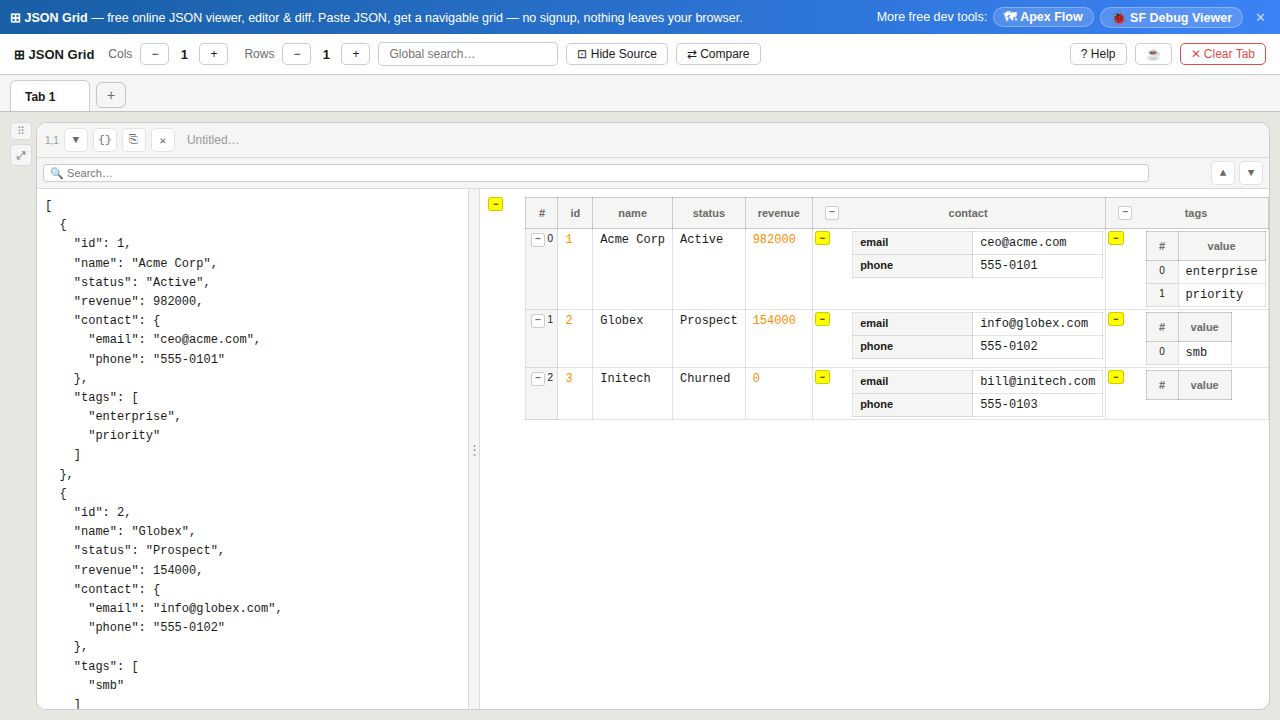
When a file is genuinely too big
Being honest: no browser-based viewer — JSON Grid X included — is the right tool for a multi-hundred-megabyte or gigabyte file. Memory is the hard limit. When you're there, slice out the part you need on the command line first, then inspect that smaller piece in the browser:
jq '.results[0:100]' big.json > sample.json
That extracts the first 100 items into a small file you can open and read comfortably. jq (and streaming parsers like ijson) read the file incrementally instead of loading it all into memory.
jq first, then view the slice.Frequently asked questions
- How can I inspect a huge JSON file without crashing my browser?
- Use a viewer that parses locally (no upload), keep branches collapsed so the page renders less at once, and view long arrays as tables. For very large files, extract the part you need with
jqfirst and inspect that slice. - Why does my browser freeze when opening a big JSON file?
- It's the rendering, not the parsing — drawing thousands of expanded nodes is what locks up the tab. Keeping the structure collapsed keeps the DOM small and responsive.
- What is the largest JSON file I can open in the browser?
- There's no fixed limit; it depends on your machine's memory. Tens of MB is usually fine when nodes stay collapsed. Past a few hundred MB, slice the file with a command-line tool instead.